> ## Documentation Index
> Fetch the complete documentation index at: https://docs.vast.ai/llms.txt
> Use this file to discover all available pages before exploring further.
# Quickstart
> Deploy your first vLLM endpoint in under a minute
## Prerequisites
Before you begin, make sure you have:
Sign up at [cloud.vast.ai](https://cloud.vast.ai) and add credits to your account
Generate an API key from your [account settings](https://docs.vast.ai/keys)
Create a [HuggingFace account](https://huggingface.co) and generate a [read-access token](https://huggingface.co/settings/tokens) for gated models
## Configuration
### Install the Vast SDK
Install the SDK that you'll use to interact with your serverless endpoints:
```bash theme={null}
pip install vastai
```
The SDK provides an async Python interface for making requests to your endpoints. You'll use this after setting up your infrastructure.
### API Key Setup
Set your Vast.ai API key as an environment variable:
```bash theme={null}
export VAST_API_KEY="your-api-key-here"
```
The SDK will automatically use this environment variable for authentication. Alternatively, you can pass the API key directly when initializing the client:
```python theme={null}
client = Serverless(api_key="your-api-key-here")
```
### HuggingFace Token Setup
Many popular models like Llama and Mistral require authentication to download. Configure your HuggingFace token once at the account level:
1. Navigate to your [Account Settings](https://cloud.vast.ai/account/)
2. Expand the **"Environment Variables"** section
3. Add a new variable:
* **Key**: `HF_TOKEN`
* **Value**: Your HuggingFace read-access token
4. Click the **"+"** button, then **"Save Edits"**
This token will be securely available to all your serverless workers. You only need to set it once for your account.
Without a valid HF\_TOKEN, workers will fail to download gated models and remain in "Loading" state indefinitely.
## Deploy Your First Endpoint
Navigate to the [Serverless Dashboard](https://cloud.vast.ai/serverless/) and click **"Get Started"**.
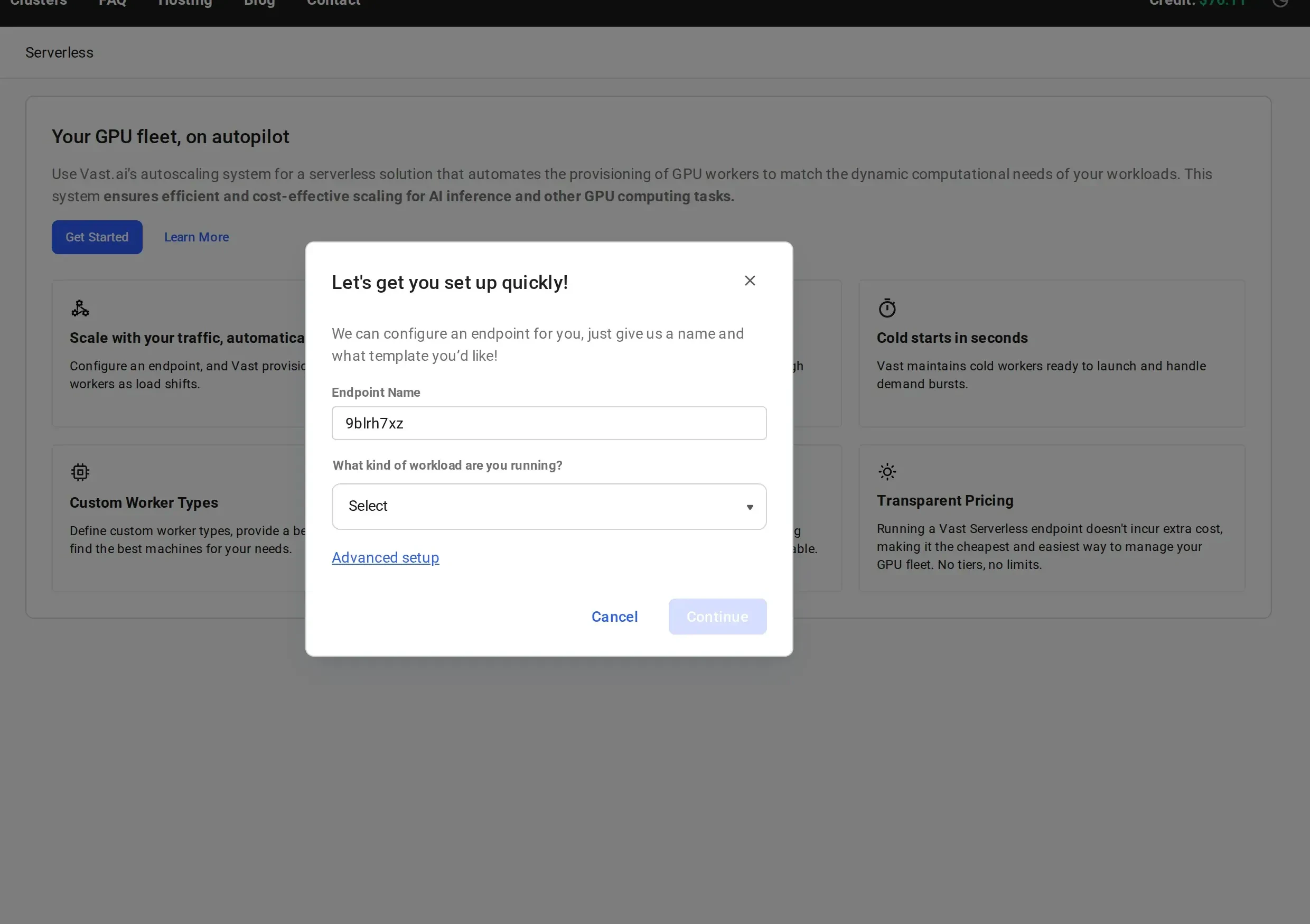
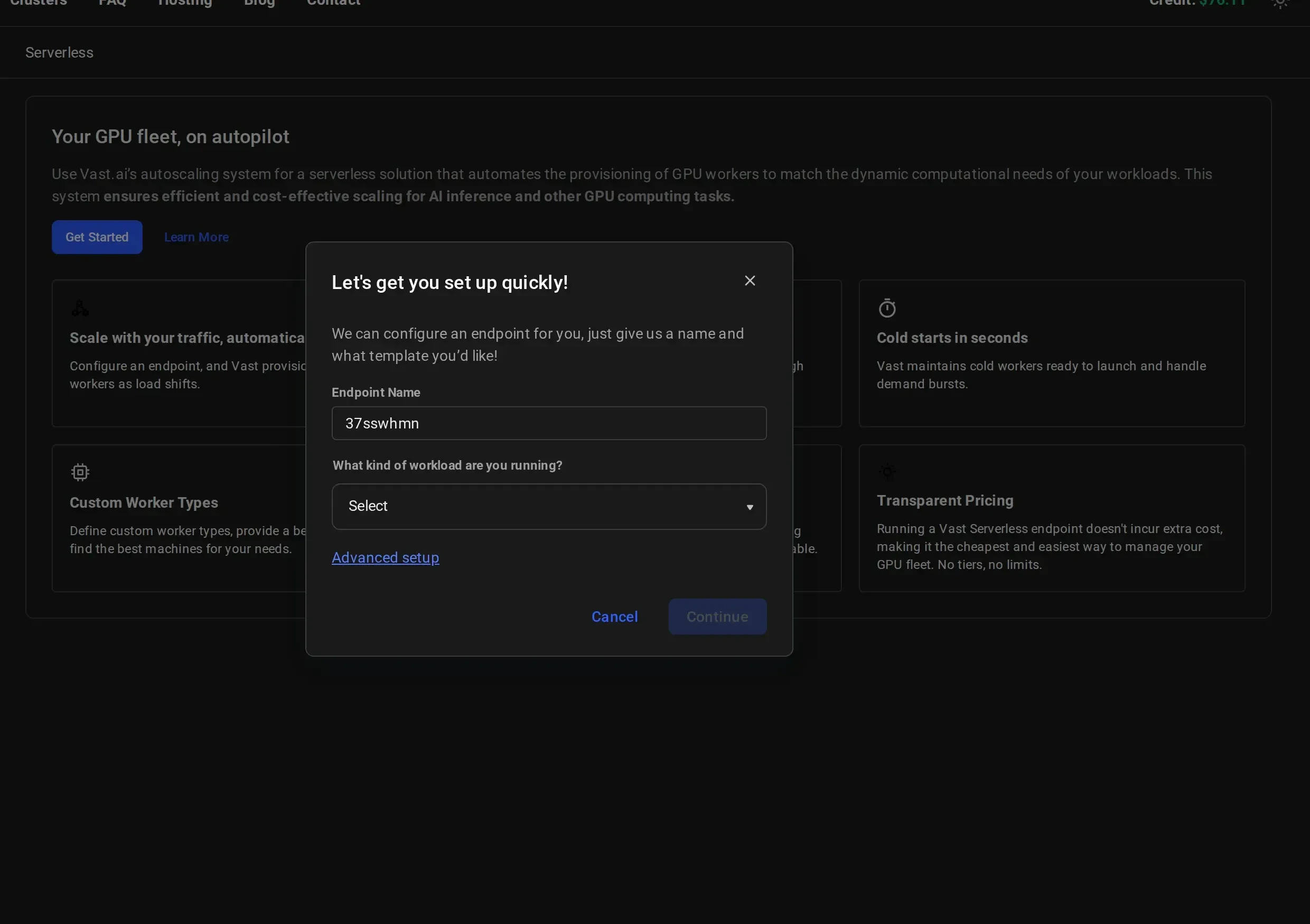 Give your endpoint a descriptive name (e.g., `vLLM-Qwen3-8B`) and select a workload type from the dropdown:
* **LLM Inference**: for large language model serving (vLLM, TGI)
* **Image Generation**: for image generation workloads (Stable Diffusion, Flux)
* **Text Generation**: for text generation tasks
* **Other**: for custom workloads
Give your endpoint a descriptive name (e.g., `vLLM-Qwen3-8B`) and select a workload type from the dropdown:
* **LLM Inference**: for large language model serving (vLLM, TGI)
* **Image Generation**: for image generation workloads (Stable Diffusion, Flux)
* **Text Generation**: for text generation tasks
* **Other**: for custom workloads
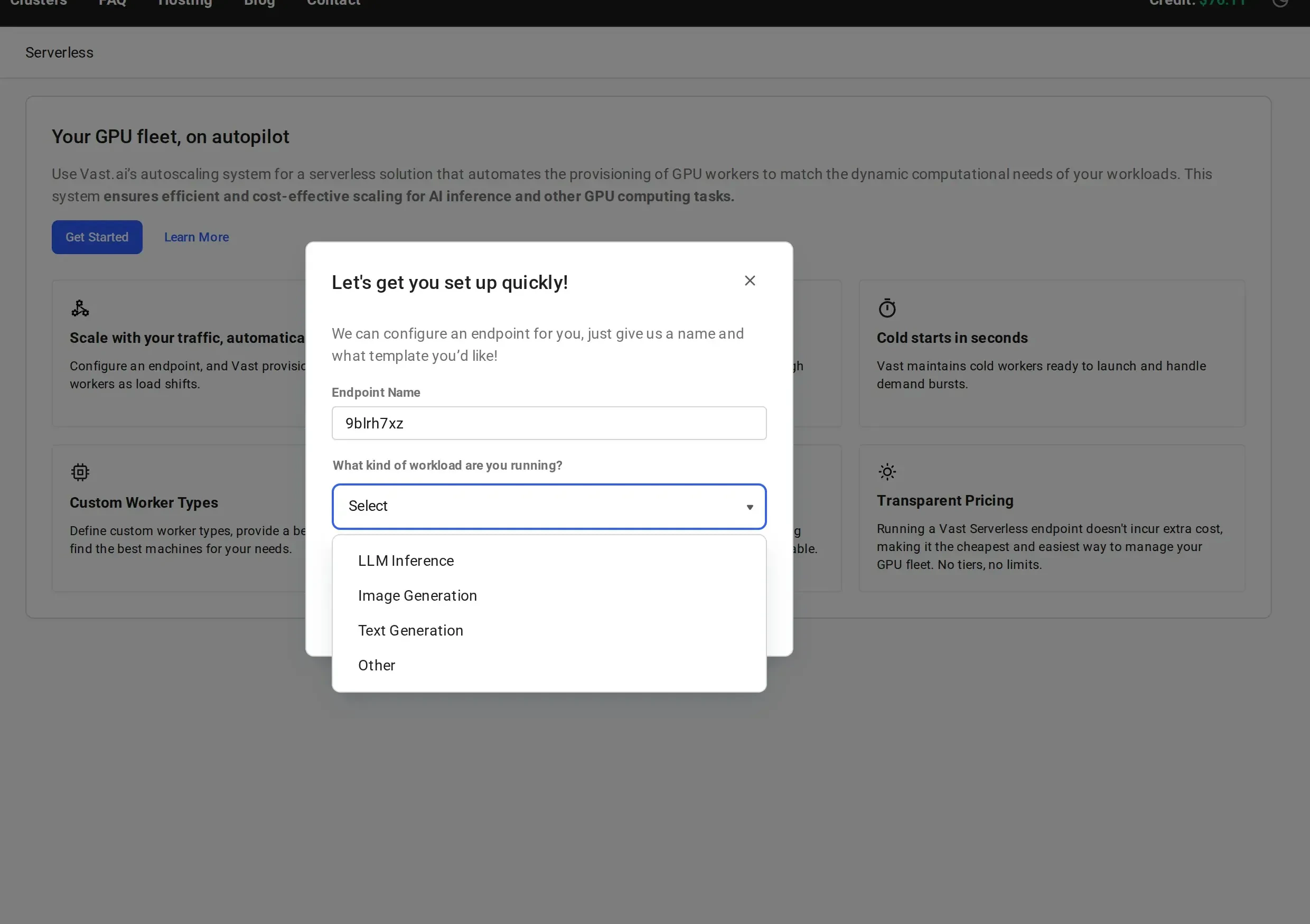
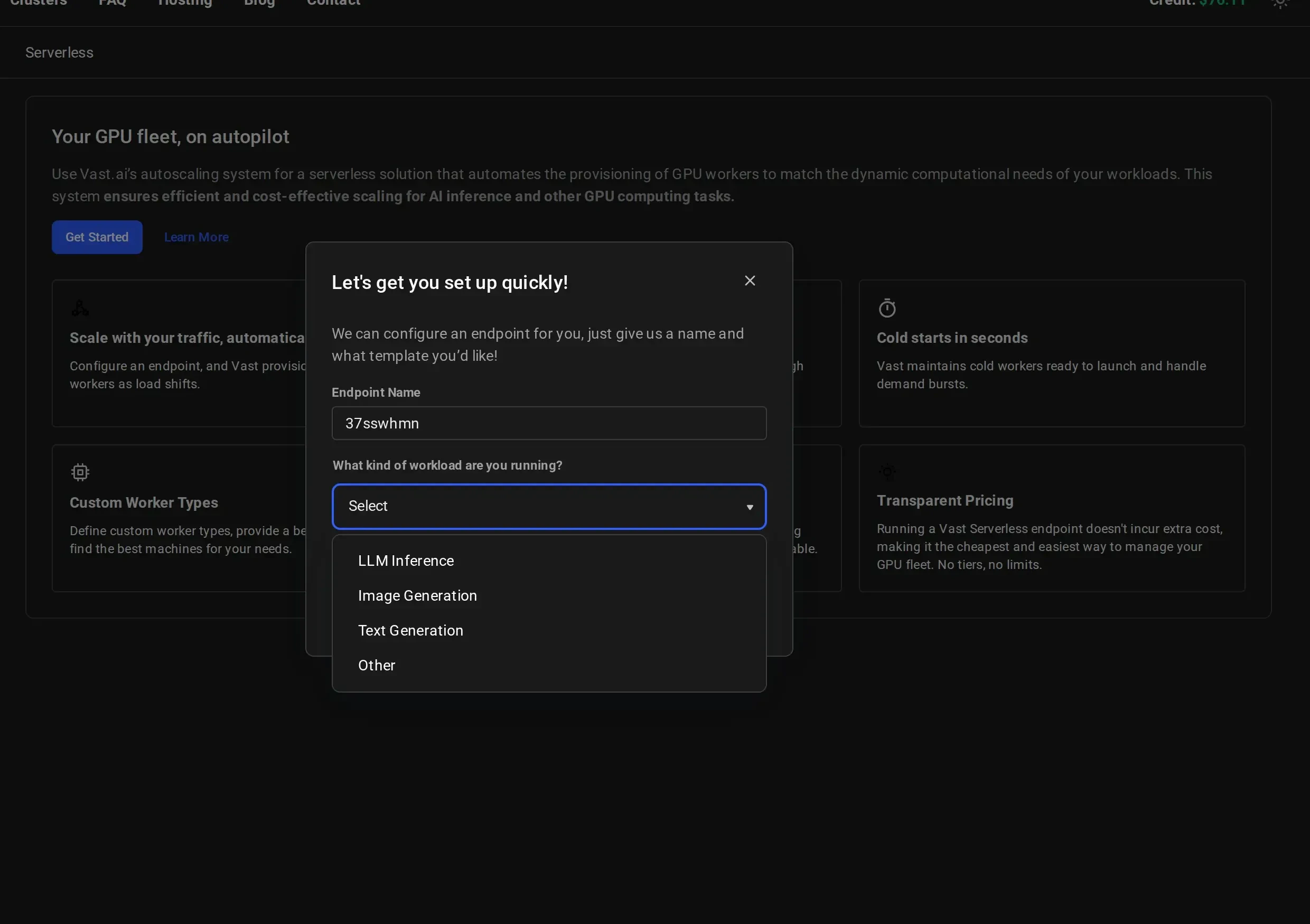 For this quickstart, select **LLM Inference**.
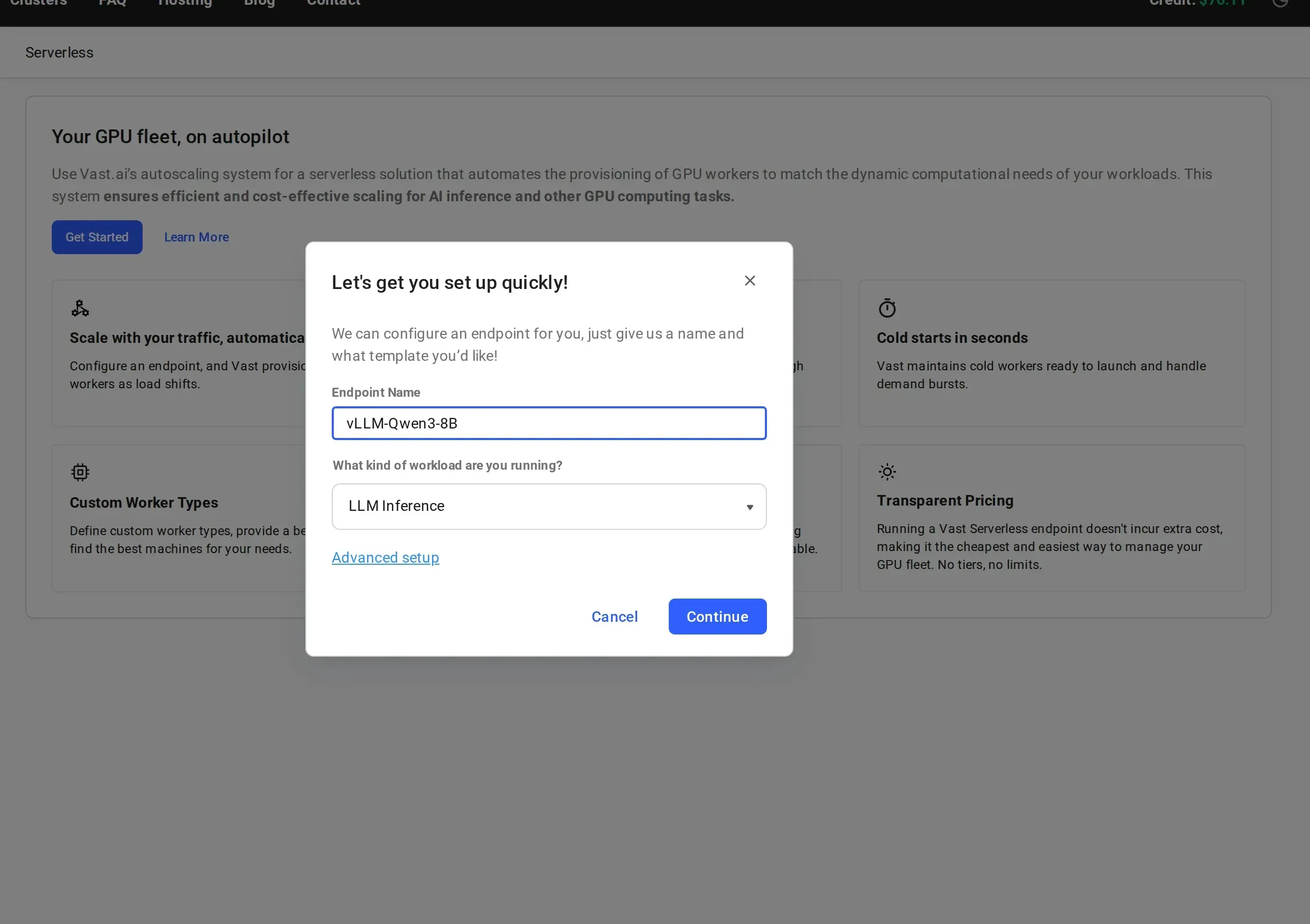
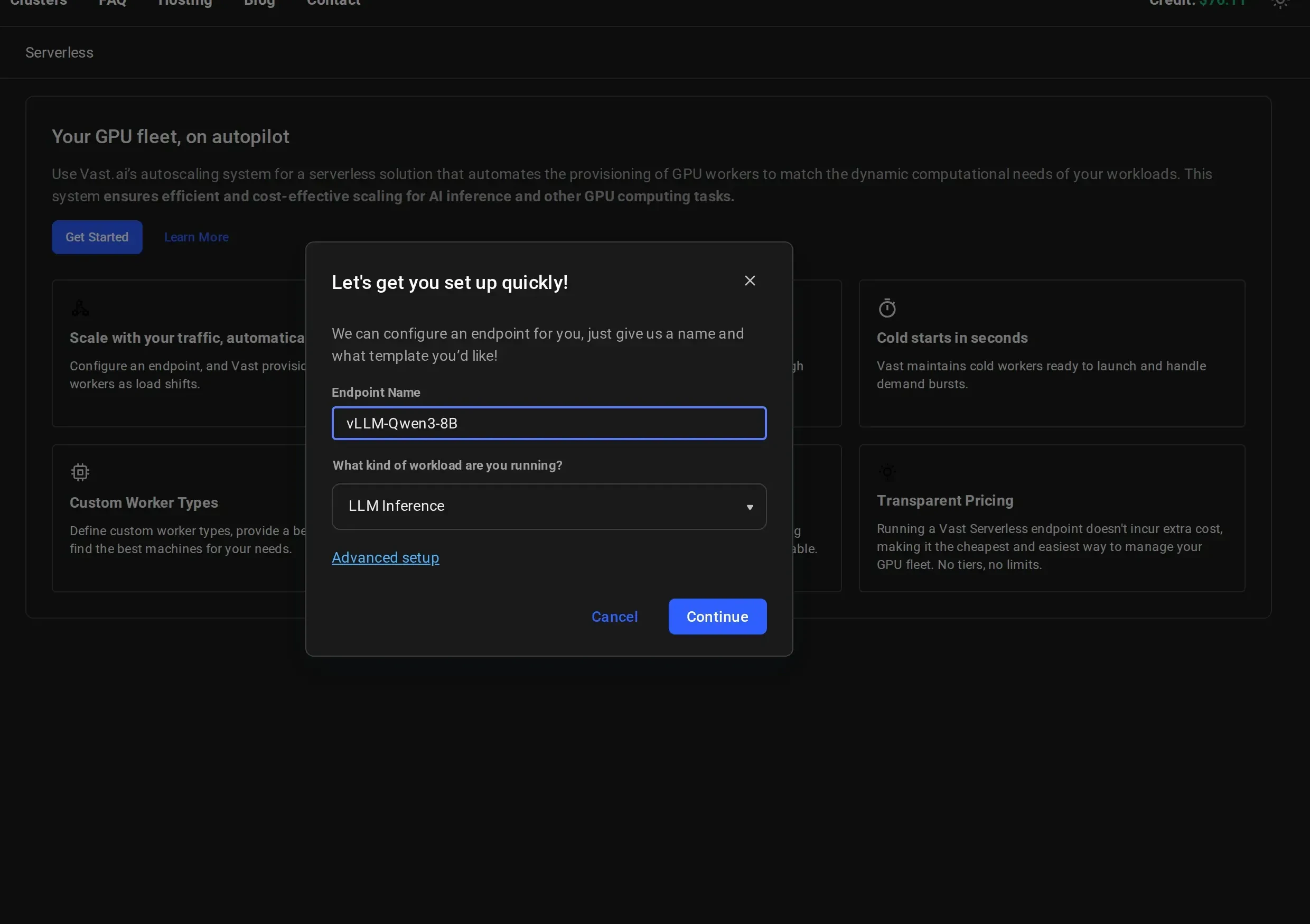 Click **"Continue"** to create the endpoint.
For more control over endpoint parameters and workergroup configuration, click **"Advanced setup"** instead. See [Setting Up Endpoints](/guides/serverless/setting-up-endpoints) for details.
After creation, you'll see a **Congratulations** page with next steps:
1. Install the Vast.ai SDK: `pip install vastai`
2. Get an API key to interact with your endpoint
3. Copy the provided sample code
Click **"Continue"** to create the endpoint.
For more control over endpoint parameters and workergroup configuration, click **"Advanced setup"** instead. See [Setting Up Endpoints](/guides/serverless/setting-up-endpoints) for details.
After creation, you'll see a **Congratulations** page with next steps:
1. Install the Vast.ai SDK: `pip install vastai`
2. Get an API key to interact with your endpoint
3. Copy the provided sample code
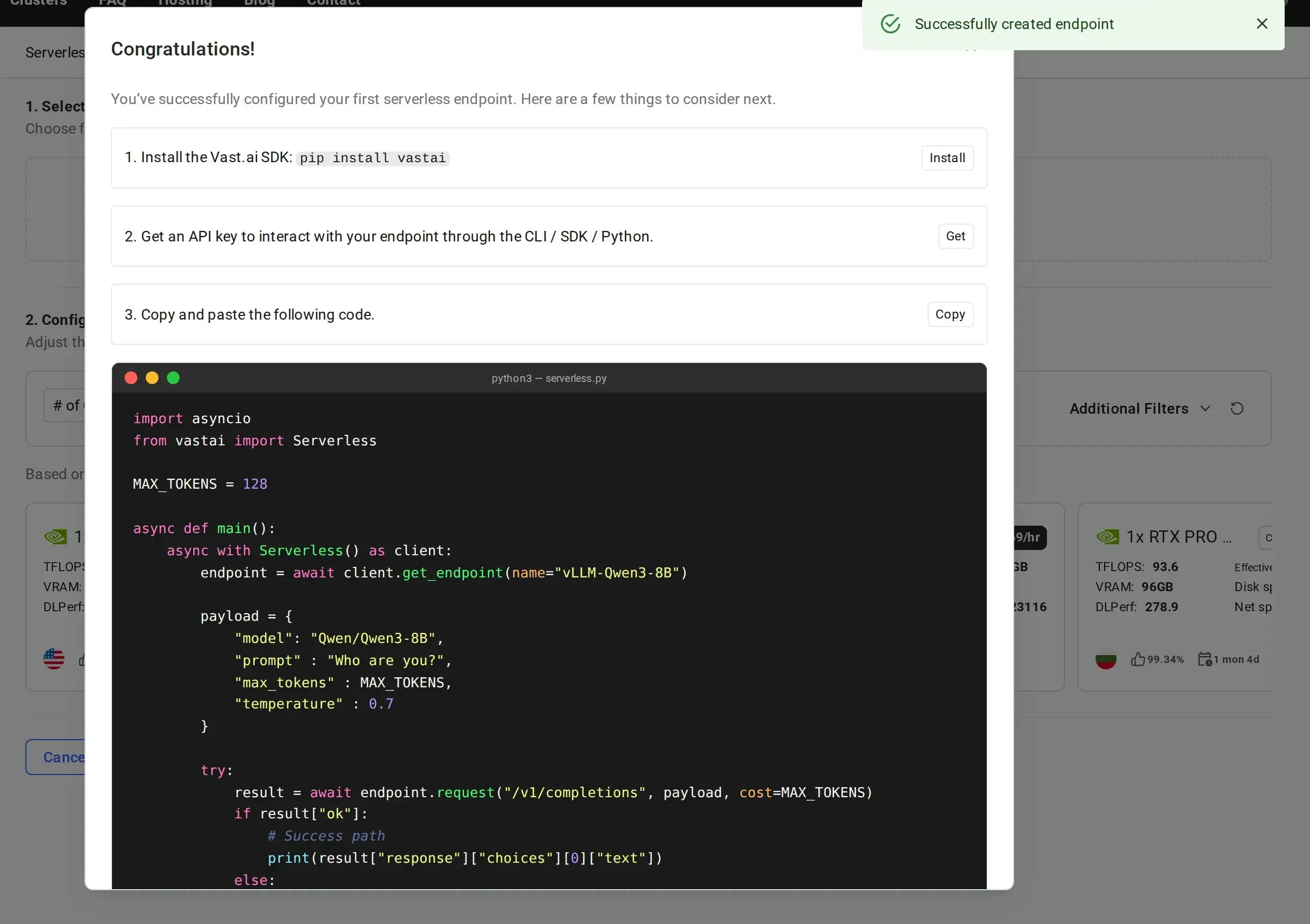
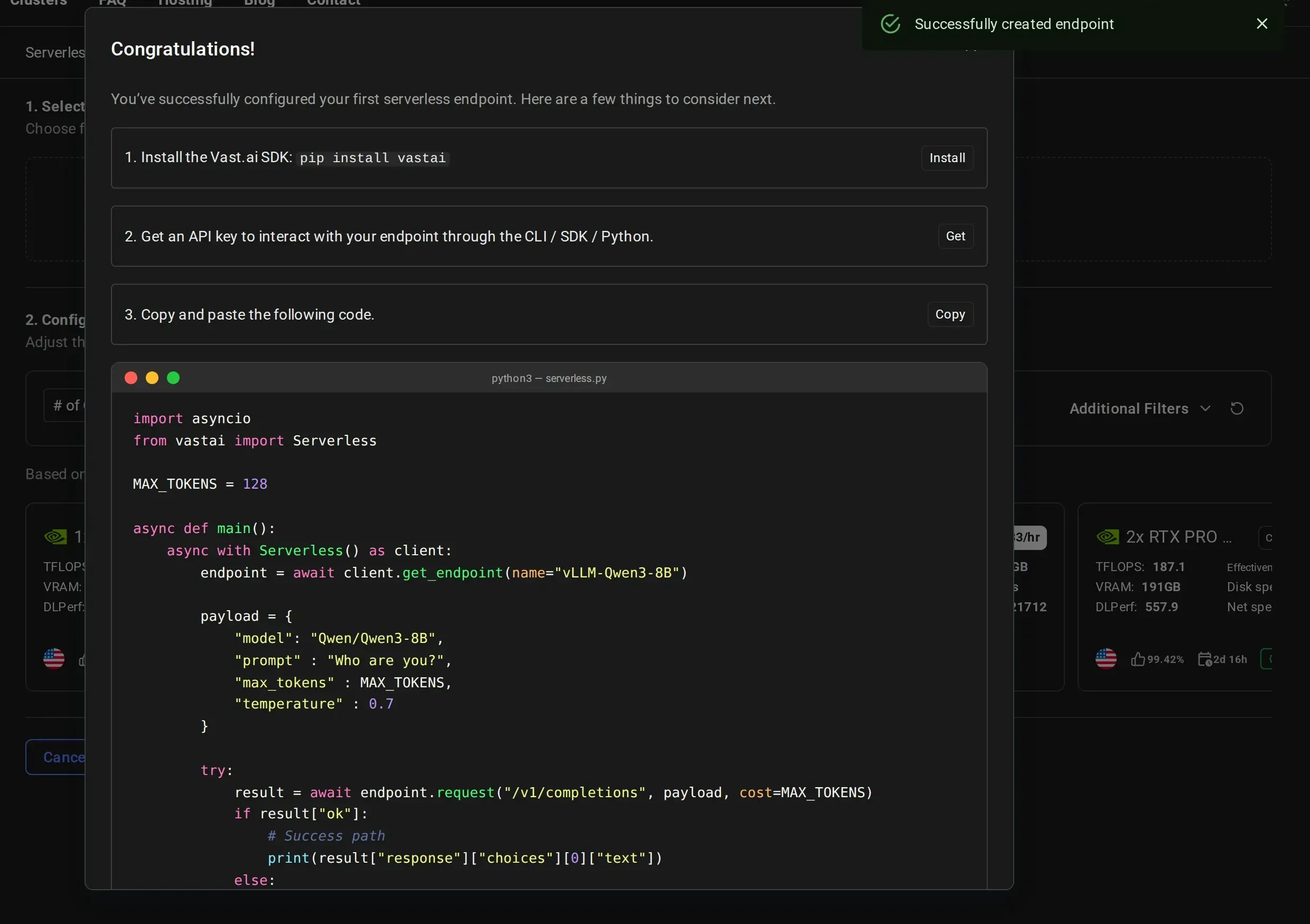 The system will automatically provision GPU workers, select an appropriate template, and configure scaling defaults for your workload type.
Your serverless infrastructure is now being provisioned. **This process takes time** as workers need to:
1. Start up the GPU instances
2. Download the model (8GB for Qwen3-8B)
3. Load the model into GPU memory
4. Complete health checks
**Expect 3-5 minutes wait time** for workers to become ready, especially on first deployment. Larger models may take longer.
Monitor the worker status in the dashboard:
* **Stopped**: Worker has the model loaded and is ready to activate on-demand (cold worker)
* **Loading**: Worker is starting up and loading the model into GPU memory
* **Ready**: Worker is active and ready to handle requests
The SDK automatically holds and retries requests until workers are ready. However, for best performance, wait for at least one worker to show "Ready" or "Stopped" status before making your first call.
## Make Your First API Call
### Basic Usage
With the SDK installed, here's how to make your first API call:
```python theme={null}
import asyncio
from vastai import Serverless
MAX_TOKENS = 100
async def main():
# Initialize the client with your API key
# The SDK will automatically use the VAST_API_KEY environment variable if set
client = Serverless() # Uses VAST_API_KEY environment variable
# Get your endpoint
endpoint = await client.get_endpoint(name="vLLM-Qwen3-8B")
# Prepare your request payload
payload = {
"model": "Qwen/Qwen3-8B",
"prompt": "Explain quantum computing in simple terms",
"max_tokens": MAX_TOKENS,
"temperature": 0.7
}
# Make the request
result = await endpoint.request("/v1/completions", payload, cost=MAX_TOKENS)
# The SDK returns a wrapper object with metadata
# Access the OpenAI-compatible response via result["response"]
print(result["response"]["choices"][0]["text"])
# Clean up
await client.close()
if __name__ == "__main__":
asyncio.run(main())
```
The SDK handles all the routing, worker assignment, and authentication automatically. You just need to specify your endpoint name and make requests.
## Troubleshooting
* Check if the GPU has enough VRAM for your model
* Verify your model name is correct
* Check worker logs in the dashboard by clicking on the worker
* Ensure your HF\_TOKEN is properly configured for gated models
* The SDK automatically retries requests until workers are ready
* If this persists, check endpoint status in the [Serverless Dashboard](https://cloud.vast.ai/serverless/)
* Verify workers are not stuck in "Loading" state (see troubleshooting above)
* First request may take longer as workers activate from cold state
* Increase `max_workers` if all workers are full with requests
* Increase `min_load` if there aren't enough workers immediately available when multiple requests are sent
* If there are large spikes of requests, increase `cold_workers` or decrease target utilization
* Consider worker region placement relative to your users
***
**Need help?** Join our [Discord community](https://discord.gg/hSuEbSQ4X8) or check the [detailed documentation](/guides/serverless/architecture) for advanced configurations.
The system will automatically provision GPU workers, select an appropriate template, and configure scaling defaults for your workload type.
Your serverless infrastructure is now being provisioned. **This process takes time** as workers need to:
1. Start up the GPU instances
2. Download the model (8GB for Qwen3-8B)
3. Load the model into GPU memory
4. Complete health checks
**Expect 3-5 minutes wait time** for workers to become ready, especially on first deployment. Larger models may take longer.
Monitor the worker status in the dashboard:
* **Stopped**: Worker has the model loaded and is ready to activate on-demand (cold worker)
* **Loading**: Worker is starting up and loading the model into GPU memory
* **Ready**: Worker is active and ready to handle requests
The SDK automatically holds and retries requests until workers are ready. However, for best performance, wait for at least one worker to show "Ready" or "Stopped" status before making your first call.
## Make Your First API Call
### Basic Usage
With the SDK installed, here's how to make your first API call:
```python theme={null}
import asyncio
from vastai import Serverless
MAX_TOKENS = 100
async def main():
# Initialize the client with your API key
# The SDK will automatically use the VAST_API_KEY environment variable if set
client = Serverless() # Uses VAST_API_KEY environment variable
# Get your endpoint
endpoint = await client.get_endpoint(name="vLLM-Qwen3-8B")
# Prepare your request payload
payload = {
"model": "Qwen/Qwen3-8B",
"prompt": "Explain quantum computing in simple terms",
"max_tokens": MAX_TOKENS,
"temperature": 0.7
}
# Make the request
result = await endpoint.request("/v1/completions", payload, cost=MAX_TOKENS)
# The SDK returns a wrapper object with metadata
# Access the OpenAI-compatible response via result["response"]
print(result["response"]["choices"][0]["text"])
# Clean up
await client.close()
if __name__ == "__main__":
asyncio.run(main())
```
The SDK handles all the routing, worker assignment, and authentication automatically. You just need to specify your endpoint name and make requests.
## Troubleshooting
* Check if the GPU has enough VRAM for your model
* Verify your model name is correct
* Check worker logs in the dashboard by clicking on the worker
* Ensure your HF\_TOKEN is properly configured for gated models
* The SDK automatically retries requests until workers are ready
* If this persists, check endpoint status in the [Serverless Dashboard](https://cloud.vast.ai/serverless/)
* Verify workers are not stuck in "Loading" state (see troubleshooting above)
* First request may take longer as workers activate from cold state
* Increase `max_workers` if all workers are full with requests
* Increase `min_load` if there aren't enough workers immediately available when multiple requests are sent
* If there are large spikes of requests, increase `cold_workers` or decrease target utilization
* Consider worker region placement relative to your users
***
**Need help?** Join our [Discord community](https://discord.gg/hSuEbSQ4X8) or check the [detailed documentation](/guides/serverless/architecture) for advanced configurations.