> ## Documentation Index
> Fetch the complete documentation index at: https://docs.vast.ai/llms.txt
> Use this file to discover all available pages before exploring further.
# Endpoint Parameters
> Learn about the parameters that control your scaling and best practices for setting them.
Vast Serverless offers unmatched control over endpoint scaling behavior. The following parameters control the serverless engine and are configured at the endpoint level. Below is an explanation of what these values control and guidance on how to set them.
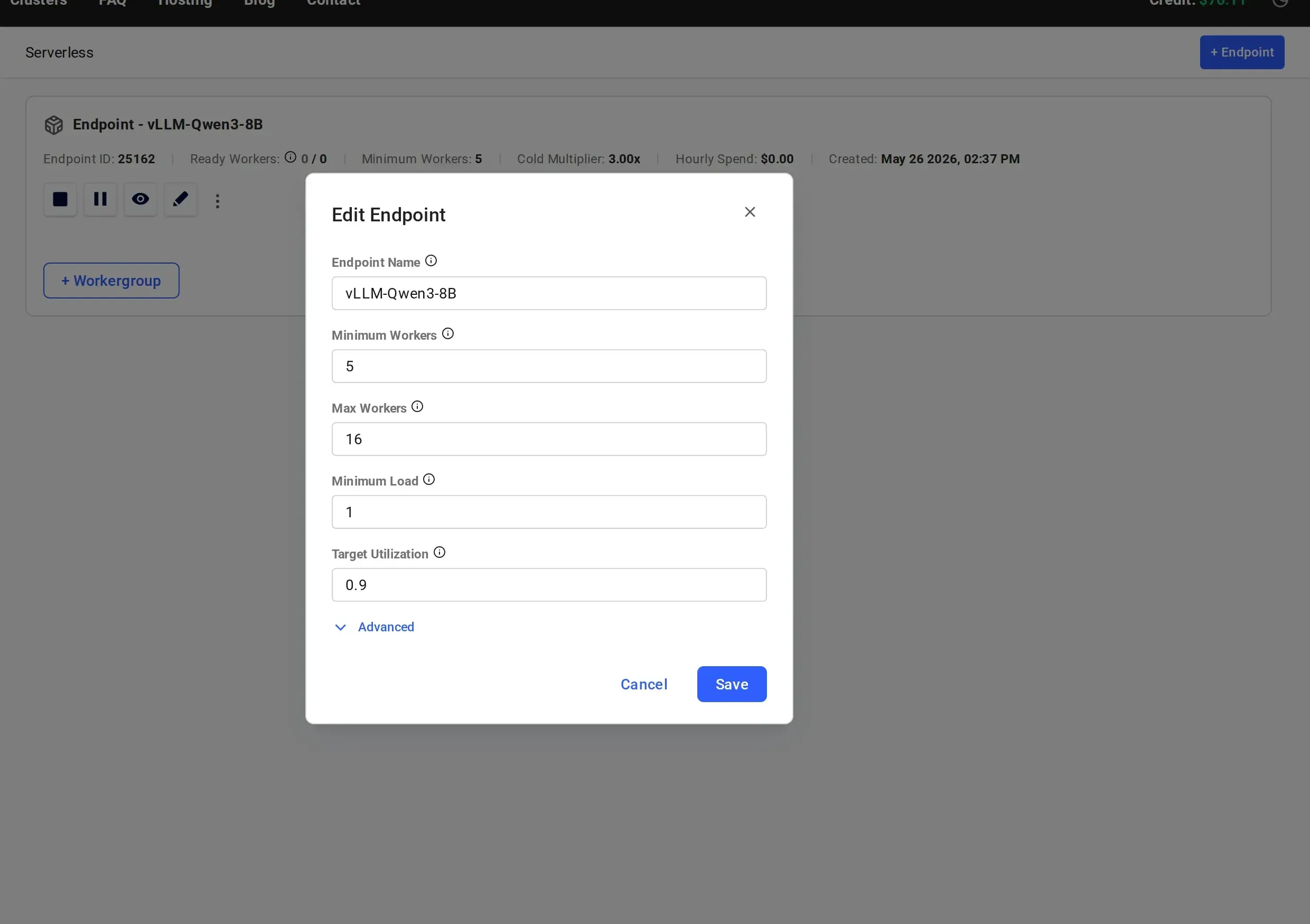
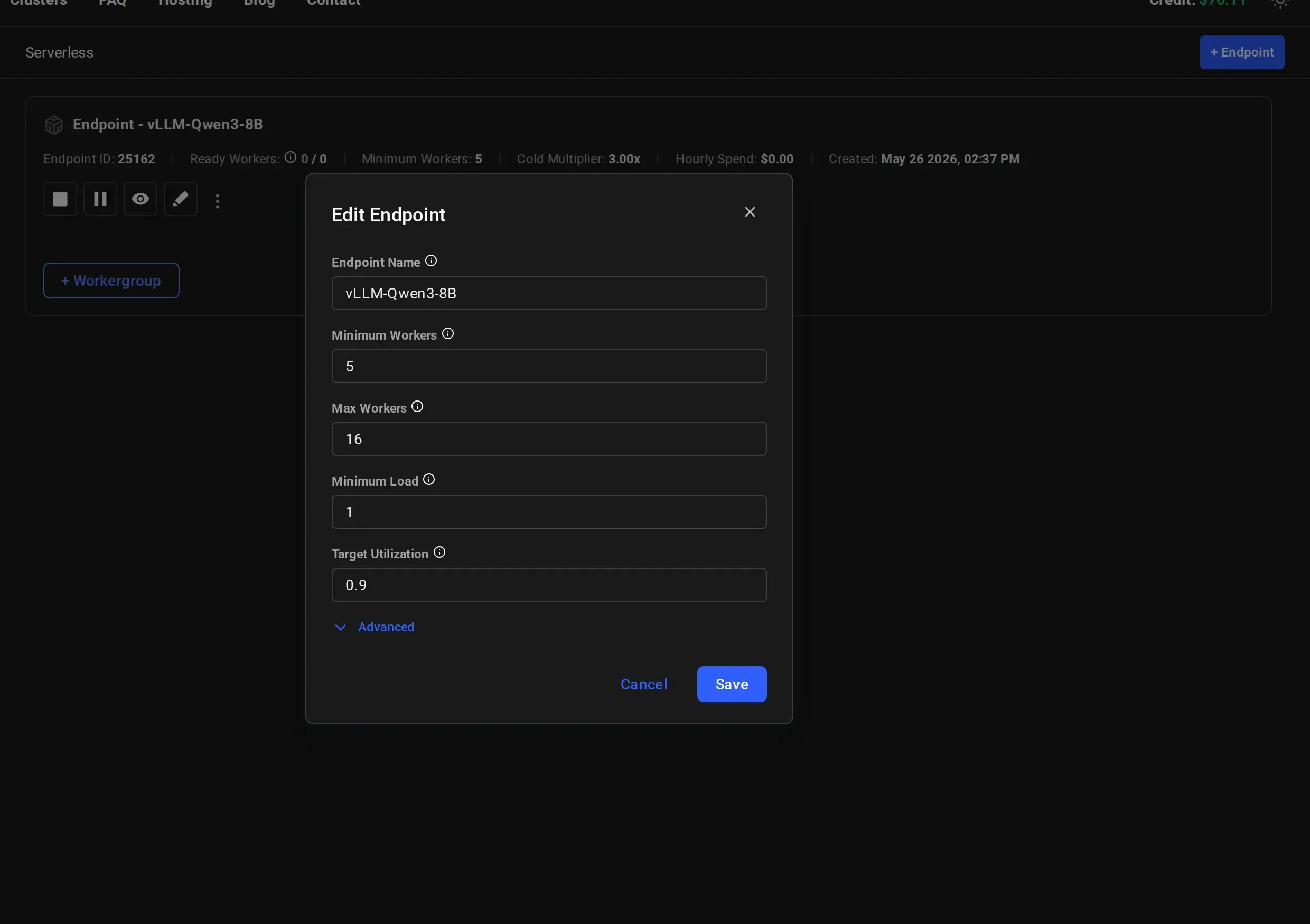
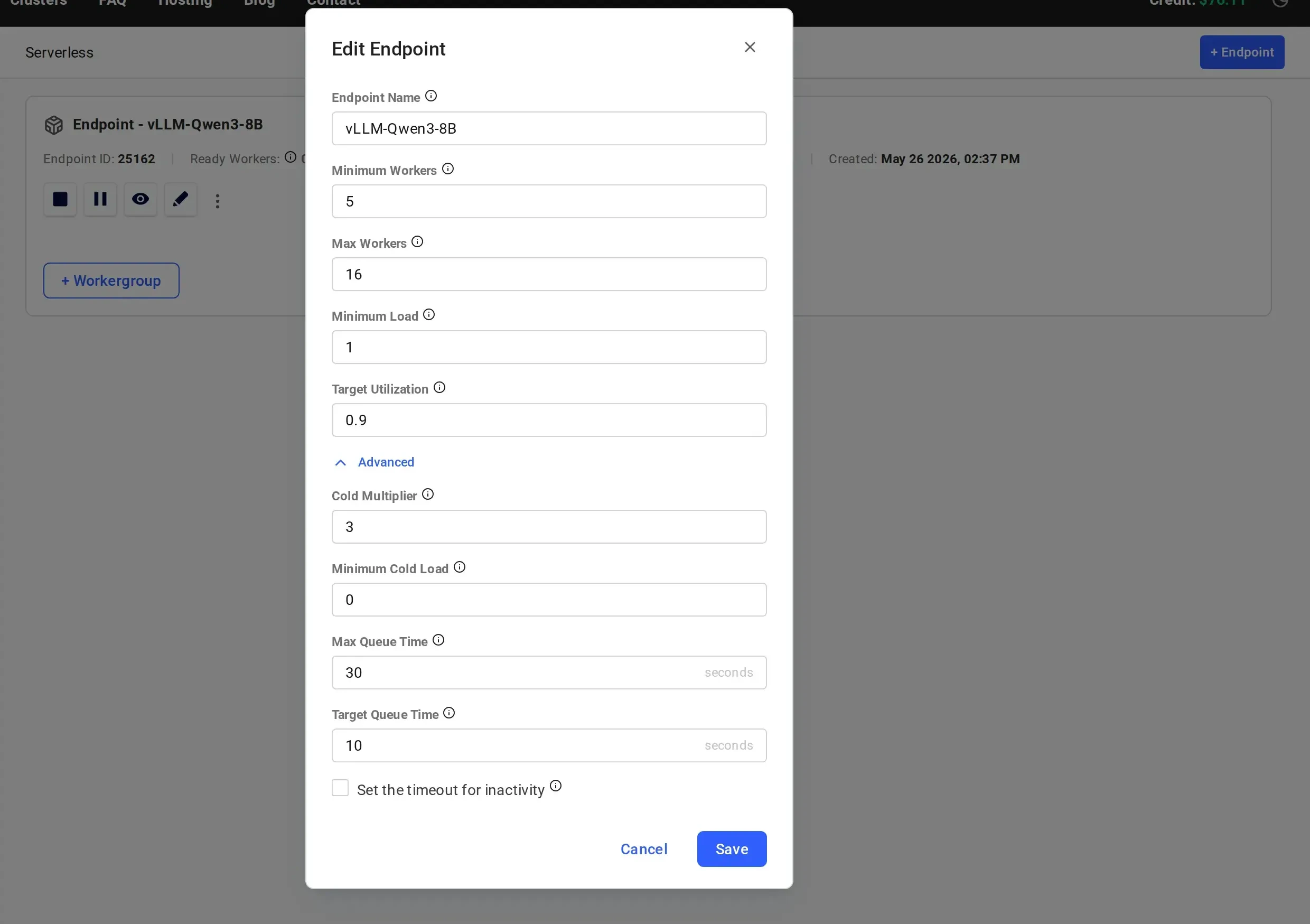
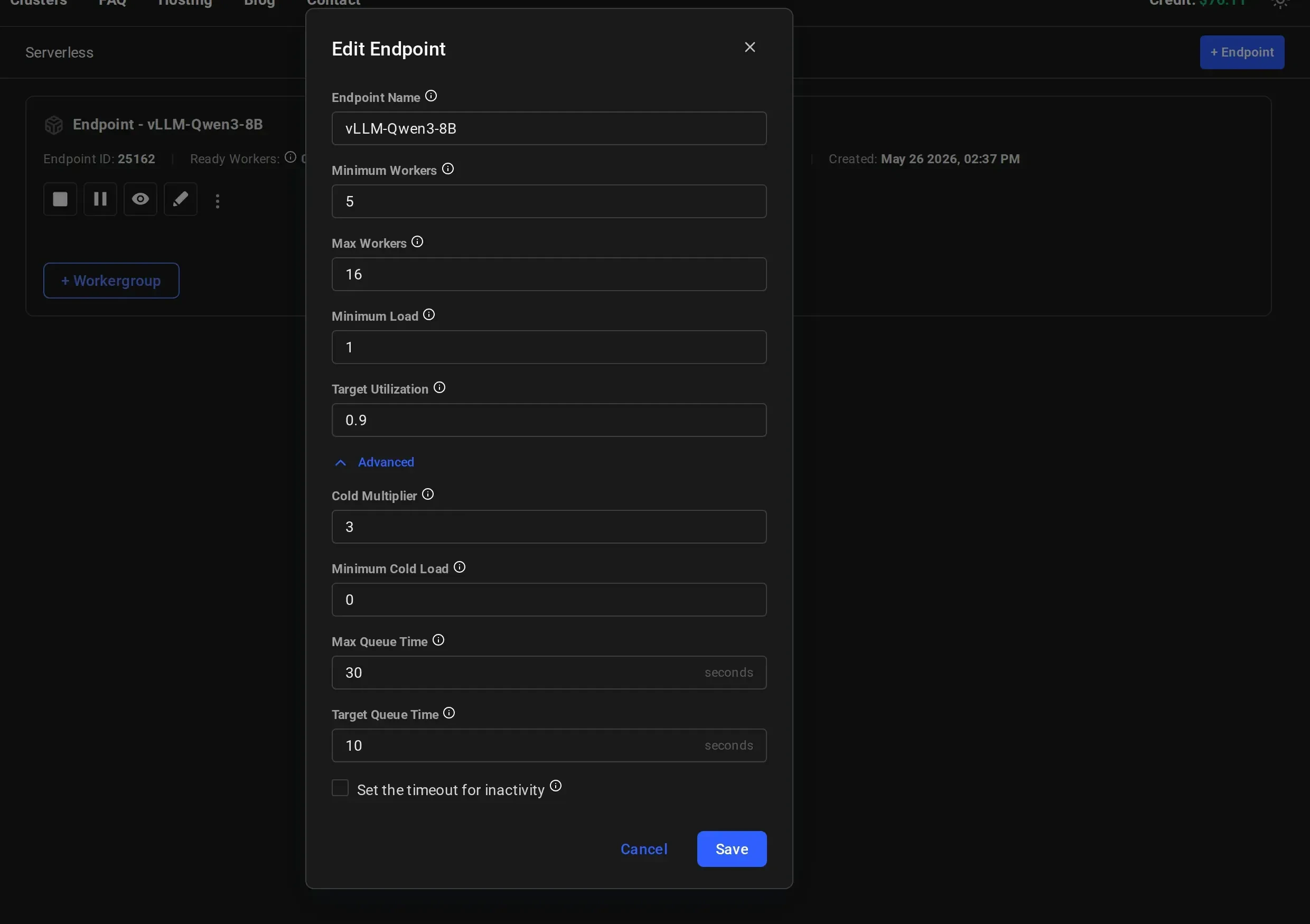
When creating or editing an endpoint, parameters are split into two sections. The main section contains the most commonly adjusted parameters, while the **Advanced** section (expanded by clicking "Advanced") contains additional fine-tuning controls.
 ## Main Parameters
### Max Workers (`max_workers`)
A hard upper limit on the total number of workers (active and inactive) that the endpoint can have at any given time.
If not specified during endpoint creation, the default value is `16`.
### Minimum Workers (`min_workers`)
The minimum number of workers (workers with the model loaded) that the serverless engine will maintain. This includes active and inactive workers.
If not specified during endpoint creation, the default value is `5`.
### Minimum Load (`min_load`)
Vast Serverless utilizes a concept of **load** as a metric of work that is performed by a worker. **Load** is the computational cost of a single request.
Each worker has a **perf** (performance) rating, which represents its capacity or usage, measured in load per second, how much load that worker can handle per second based on benchmark tests. This perf rating is used to make scaling and capacity decisions.
For example:
* A worker of 100 perf will resolve a request of 100 load in 1 second
* A separate worker (on a higher performance GPU) of 200 perf will resolve that same request in 0.5 seconds
During endpoint configuration, `min_load` is used to set the target minimum number of active workers for the endpoint. This value can be edited on a live endpoint, and the serverless engine will work to match the new target.
### Best practice for setting `min_load`
* Start with `min_load = 1` (the default), which guarantees at least one active worker
* Run the benchmark test to determine measured performance
* Update `min_load` using the following formula:
```
measured_performance × minimum_parallel_requests
```
### Target Utilization (`target_util`)
Target Utilization defines the ratio of active capacity to anticipated load and determines how much spare capacity (headroom) is reserved to handle short-term traffic spikes.
For example, if anticipated load is `900 tokens/sec` and `target_util = 0.9`, the serverless engine will maintain:
```
900 ÷ 0.9 = 1000 tokens/sec capacity
```
#### Spare capacity examples
* `target_util = 0.9` → 11.1% spare capacity
* `target_util = 0.8` → 25% spare capacity
* `target_util = 0.5` → 100% spare capacity
* `target_util = 0.4` → 150% spare capacity
If not specified during endpoint creation, the default value is `0.9`.
## Advanced Parameters
The following parameters are available under the **Advanced** section of the endpoint creation and edit dialogs.
## Main Parameters
### Max Workers (`max_workers`)
A hard upper limit on the total number of workers (active and inactive) that the endpoint can have at any given time.
If not specified during endpoint creation, the default value is `16`.
### Minimum Workers (`min_workers`)
The minimum number of workers (workers with the model loaded) that the serverless engine will maintain. This includes active and inactive workers.
If not specified during endpoint creation, the default value is `5`.
### Minimum Load (`min_load`)
Vast Serverless utilizes a concept of **load** as a metric of work that is performed by a worker. **Load** is the computational cost of a single request.
Each worker has a **perf** (performance) rating, which represents its capacity or usage, measured in load per second, how much load that worker can handle per second based on benchmark tests. This perf rating is used to make scaling and capacity decisions.
For example:
* A worker of 100 perf will resolve a request of 100 load in 1 second
* A separate worker (on a higher performance GPU) of 200 perf will resolve that same request in 0.5 seconds
During endpoint configuration, `min_load` is used to set the target minimum number of active workers for the endpoint. This value can be edited on a live endpoint, and the serverless engine will work to match the new target.
### Best practice for setting `min_load`
* Start with `min_load = 1` (the default), which guarantees at least one active worker
* Run the benchmark test to determine measured performance
* Update `min_load` using the following formula:
```
measured_performance × minimum_parallel_requests
```
### Target Utilization (`target_util`)
Target Utilization defines the ratio of active capacity to anticipated load and determines how much spare capacity (headroom) is reserved to handle short-term traffic spikes.
For example, if anticipated load is `900 tokens/sec` and `target_util = 0.9`, the serverless engine will maintain:
```
900 ÷ 0.9 = 1000 tokens/sec capacity
```
#### Spare capacity examples
* `target_util = 0.9` → 11.1% spare capacity
* `target_util = 0.8` → 25% spare capacity
* `target_util = 0.5` → 100% spare capacity
* `target_util = 0.4` → 150% spare capacity
If not specified during endpoint creation, the default value is `0.9`.
## Advanced Parameters
The following parameters are available under the **Advanced** section of the endpoint creation and edit dialogs.
 ### Cold Multiplier (`cold_mult`)
While `min_workers` is fixed regardless of traffic patterns, `cold_mult` defines inactive capacity as a multiplier of the current active workload.
#### Example
For an active load of `100` and `cold_mult = 2`:
```
100 (active load) × 2 (cold_mult) = 200 total capacity
200 − 100 = 100 inactive load
```
If the active load increases to `150` with `cold_mult = 2`, the serverless engine will attempt to maintain `150` inactive load.
If not specified during endpoint creation, the default value is `3`.
### Minimum Cold Load (`min_cold_load`)
`min_cold_load` sets the total capacity target directly, independent of `cold_mult`.
#### Example
For an active load of `100` and `min_cold_load = 300`:
```
300 − 100 = 200 inactive load
```
If active load increases to `150` with the same `min_cold_load`, inactive capacity becomes `150`.
If not specified during endpoint creation, the default value is `0`.
### Inactivity Timeout (`inactivity_timeout`)
An optional value (in seconds) that gates scaling to zero on the time elapsed since the last activity on the endpoint. After the specified duration of inactivity, the serverless engine is permitted to scale down to zero active workers or zero total workers, depending on your other parameter settings:
* If `cold_workers` is set (e.g., `5`), the endpoint will never scale below that number of total workers, but can reach zero **active** workers after the timeout.
* If `min_load` is greater than `0`, you will not reach zero active workers even after the timeout, `min_load` still acts as a floor.
* If both `cold_workers = 0` and `min_load = 0`, the endpoint can scale to **zero total workers** after the inactivity timeout.
Special values:
* `0`, Disable inactivity gating entirely. The endpoint scales purely based on normal autoscaling decisions.
* Negative value (e.g., `-1`), Never allow scaling to zero, even if `min_load` and `cold_workers` would otherwise permit it.
If not specified during endpoint creation, this parameter is not applied.
### Max Queue Time (`max_queue_time`)
The maximum number of seconds of expected queue time allowed to build up on each individual worker. The serverless engine uses this value when routing requests: if all workers have reached their `max_queue_time` limit, new requests are held in a global queue until a worker has capacity.
This parameter controls how much work can be buffered on each worker before the system considers the worker "full" for routing purposes.
If not specified during endpoint creation, a system default is applied.
### Target Queue Time (`target_queue_time`)
The acceptable queue time threshold (in seconds) across the endpoint. When observed queue times exceed this value, the serverless engine begins aggressively scaling up workers to handle the excess load.
In practice, `max_queue_time` defines how much each worker can absorb, while `target_queue_time` defines the point at which the system decides more workers are needed. Together they control the autoscaler's sensitivity to queuing:
* **`max_queue_time`**, Per-worker routing limit. "How full can each worker get?"
* **`target_queue_time`**, Endpoint-wide scaling trigger. "At what queue time do we start adding workers?"
If not specified during endpoint creation, a system default is applied.
### Cold Multiplier (`cold_mult`)
While `min_workers` is fixed regardless of traffic patterns, `cold_mult` defines inactive capacity as a multiplier of the current active workload.
#### Example
For an active load of `100` and `cold_mult = 2`:
```
100 (active load) × 2 (cold_mult) = 200 total capacity
200 − 100 = 100 inactive load
```
If the active load increases to `150` with `cold_mult = 2`, the serverless engine will attempt to maintain `150` inactive load.
If not specified during endpoint creation, the default value is `3`.
### Minimum Cold Load (`min_cold_load`)
`min_cold_load` sets the total capacity target directly, independent of `cold_mult`.
#### Example
For an active load of `100` and `min_cold_load = 300`:
```
300 − 100 = 200 inactive load
```
If active load increases to `150` with the same `min_cold_load`, inactive capacity becomes `150`.
If not specified during endpoint creation, the default value is `0`.
### Inactivity Timeout (`inactivity_timeout`)
An optional value (in seconds) that gates scaling to zero on the time elapsed since the last activity on the endpoint. After the specified duration of inactivity, the serverless engine is permitted to scale down to zero active workers or zero total workers, depending on your other parameter settings:
* If `cold_workers` is set (e.g., `5`), the endpoint will never scale below that number of total workers, but can reach zero **active** workers after the timeout.
* If `min_load` is greater than `0`, you will not reach zero active workers even after the timeout, `min_load` still acts as a floor.
* If both `cold_workers = 0` and `min_load = 0`, the endpoint can scale to **zero total workers** after the inactivity timeout.
Special values:
* `0`, Disable inactivity gating entirely. The endpoint scales purely based on normal autoscaling decisions.
* Negative value (e.g., `-1`), Never allow scaling to zero, even if `min_load` and `cold_workers` would otherwise permit it.
If not specified during endpoint creation, this parameter is not applied.
### Max Queue Time (`max_queue_time`)
The maximum number of seconds of expected queue time allowed to build up on each individual worker. The serverless engine uses this value when routing requests: if all workers have reached their `max_queue_time` limit, new requests are held in a global queue until a worker has capacity.
This parameter controls how much work can be buffered on each worker before the system considers the worker "full" for routing purposes.
If not specified during endpoint creation, a system default is applied.
### Target Queue Time (`target_queue_time`)
The acceptable queue time threshold (in seconds) across the endpoint. When observed queue times exceed this value, the serverless engine begins aggressively scaling up workers to handle the excess load.
In practice, `max_queue_time` defines how much each worker can absorb, while `target_queue_time` defines the point at which the system decides more workers are needed. Together they control the autoscaler's sensitivity to queuing:
* **`max_queue_time`**, Per-worker routing limit. "How full can each worker get?"
* **`target_queue_time`**, Endpoint-wide scaling trigger. "At what queue time do we start adding workers?"
If not specified during endpoint creation, a system default is applied.