SSH Keys
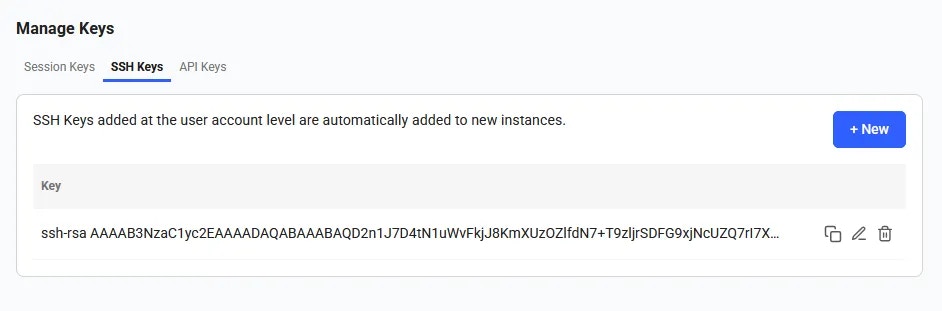
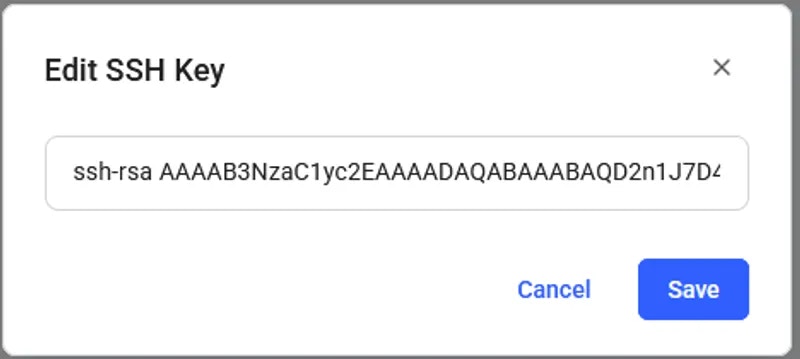
You can add, edit, or remove your ssh keys in the SSH Keys section of the Keys page of your console.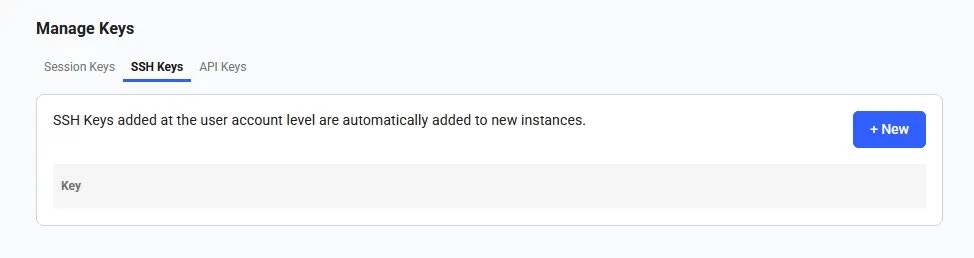
SSH Keys empty section
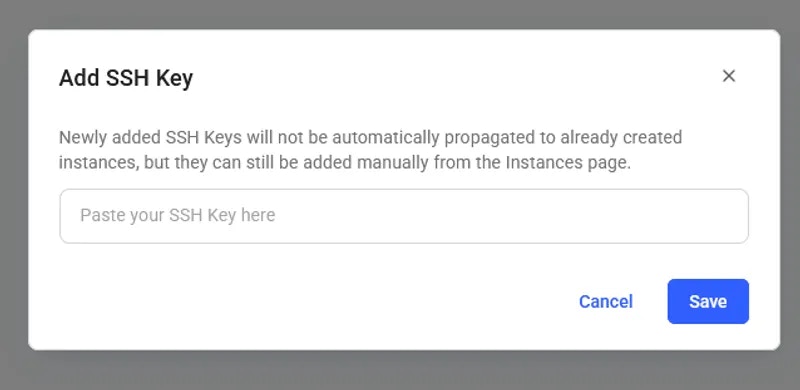
Add SSH Key
API Keys
You can view, copy, edit, and update your API keys in the Keys section of the console. You will need an API key to access the Command Line Interface and the REST API. To create an API key click on the +New button. It will trigger API key creation pop-up.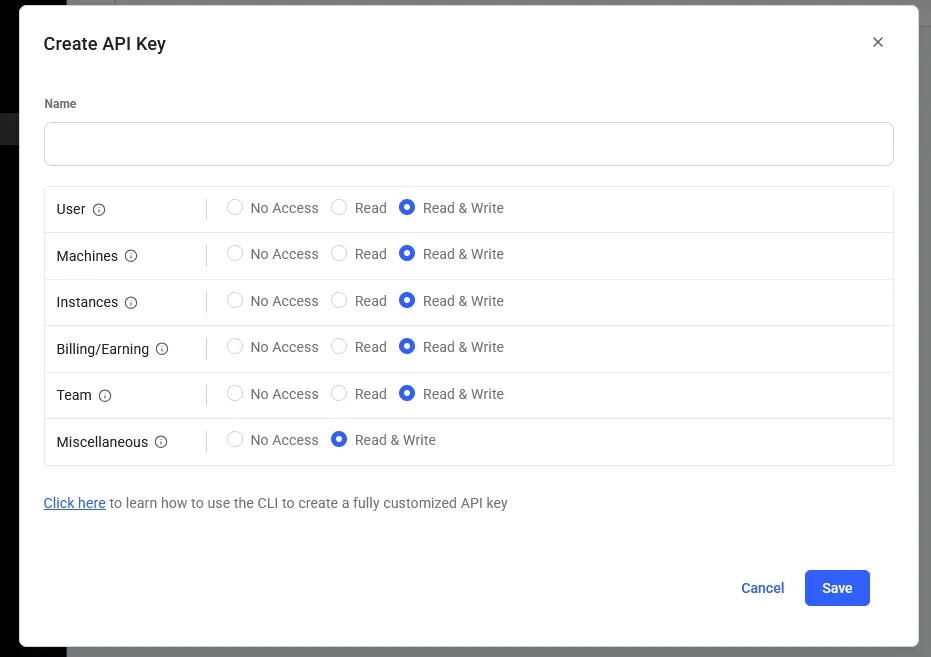

Session Keys
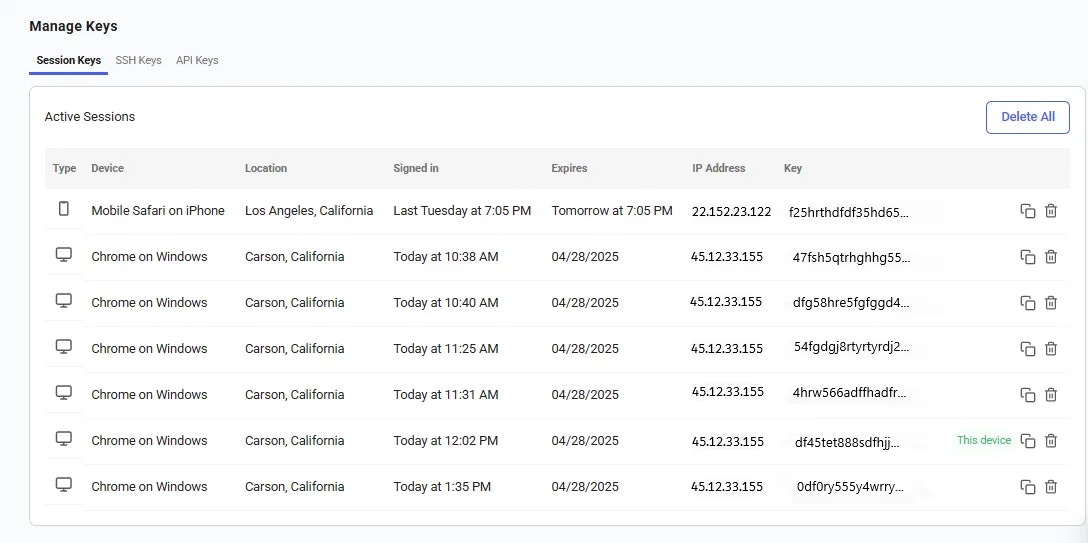
A session key is a temporary key that allows access to your Vast.ai account. These keys are automatically created when you log in and will expire in one week. However, for security reasons, it’s important to review your session keys regularly. You can view a list of all active session keys and see which devices are currently logged into your account. If you notice any session keys that you don’t recognize, or if a device is no longer in use, you can delete those keys to immediately remove access. This helps keep your account secure and ensures only your devices remain connected.