Page Walkthrough
Enable Dark Mode
Turning the switch on and off will enable and disable dark mode.


Account Security
In the Account Security section, you can set up two-factor authentication, resend a verification email, change your email, or reset your password.
Two-Factor Authentication
You can set up two-factor authentication (2FA) for your Vast account. This can be used to help protect your account from unauthorized access. You’ll be required to enter a security code each time you sign in.
Resend Verification Email
Select the “Resend” button to receive a new verification email in your inbox.
Change Email
You can view the current email connected to your account and change your email at any time by pressing the ‘Change’ button.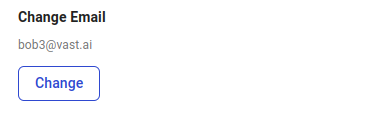
Reset Password
You can change your password by selecting the “Reset” button, and you will get a link to reset your password via email.
Referral Link
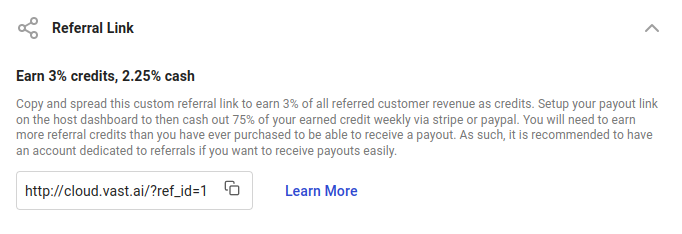
You can access your referral link in the Referral Link section of the Settings page.
Environment Variables
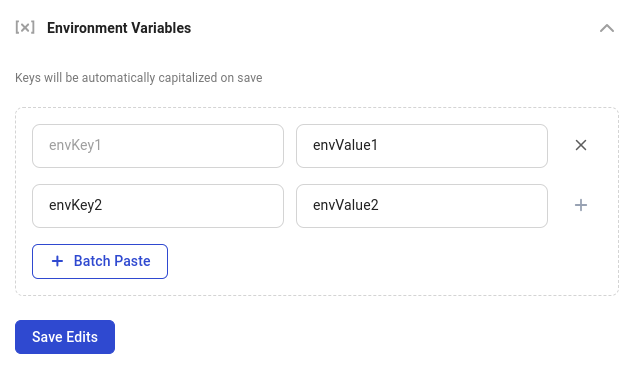
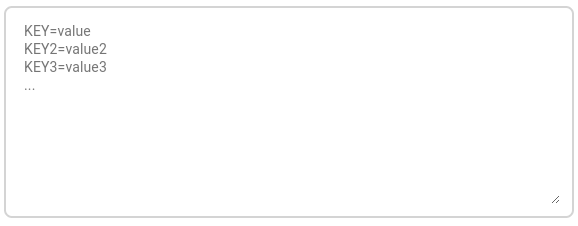
You can add, edit, and delete the environment variables stored on your account in the Environment Variables section.
Notification Settings
Use Notification Settings to choose which account, billing, and instance events reach you by email, in the console, or through webhooks. See Notifications for the full setup guide.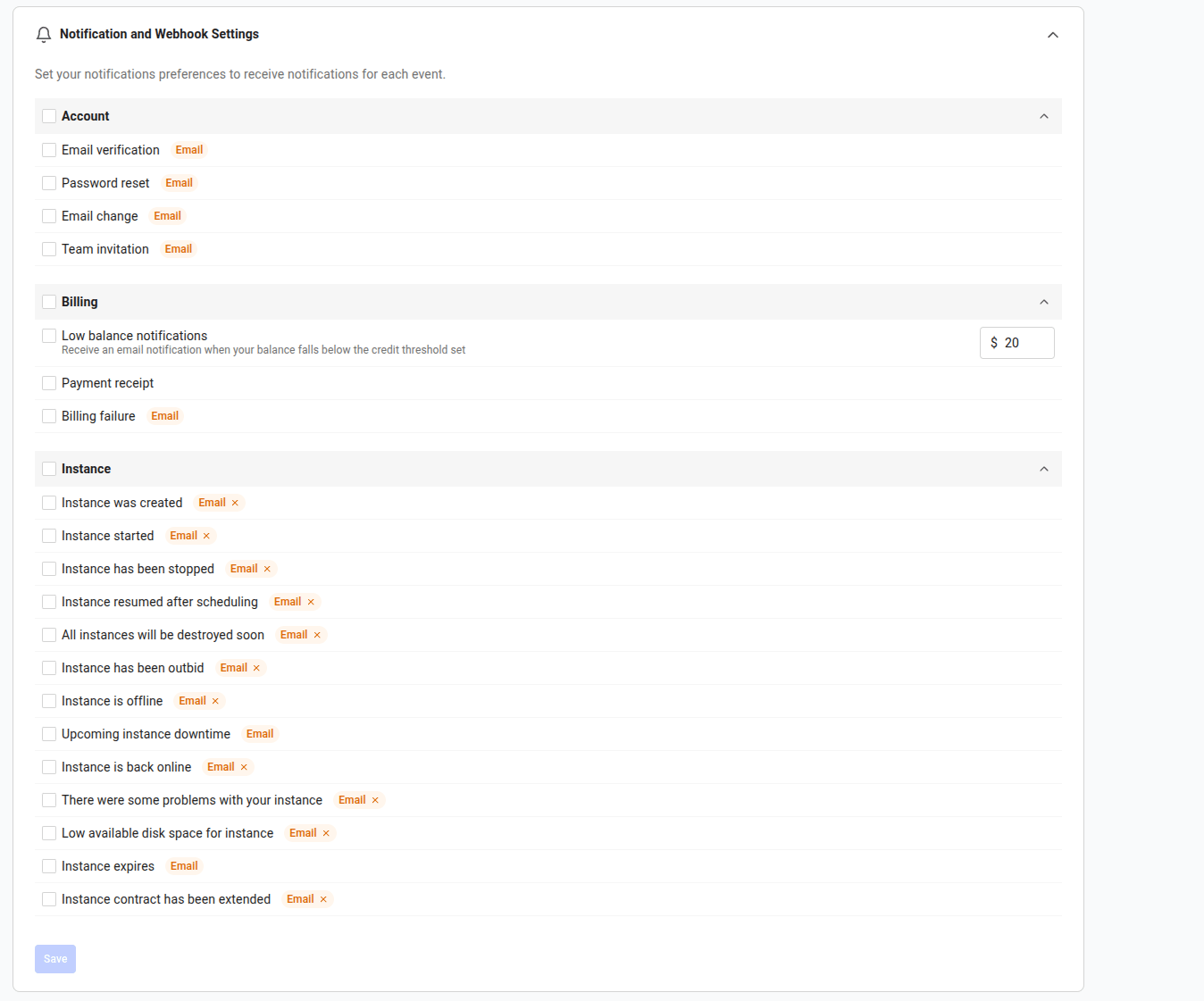
Cloud Connection
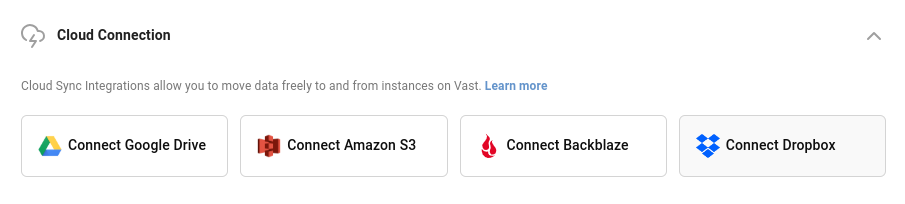
In this section, you can integrate and connect with cloud providers such as Amazon S3, Backblaze, and Dropbox.
Invoice Information
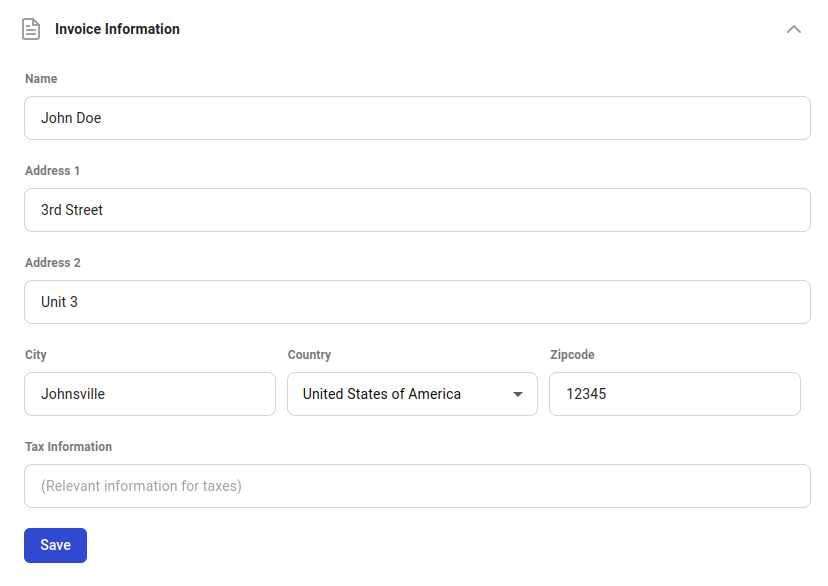
In the Invoice Information section, you can set personal information for your invoices.
Common Questions
Can I delete my account?
You can now delete your Vast.ai account. Before deleting:- Remove all machines if you are a host.
vastai delete machine machine_id
- Destroy / delete all instances and volumes.
- Teams: If you own a team, it will be deleted, transfer ownership if needed. If you’re a member of a team, you’ll be removed from it.