

Endpoint Logs
Endpoint logs are available under the “All Workergroups” tab in the Serverless endpoint, within the Vast console UI.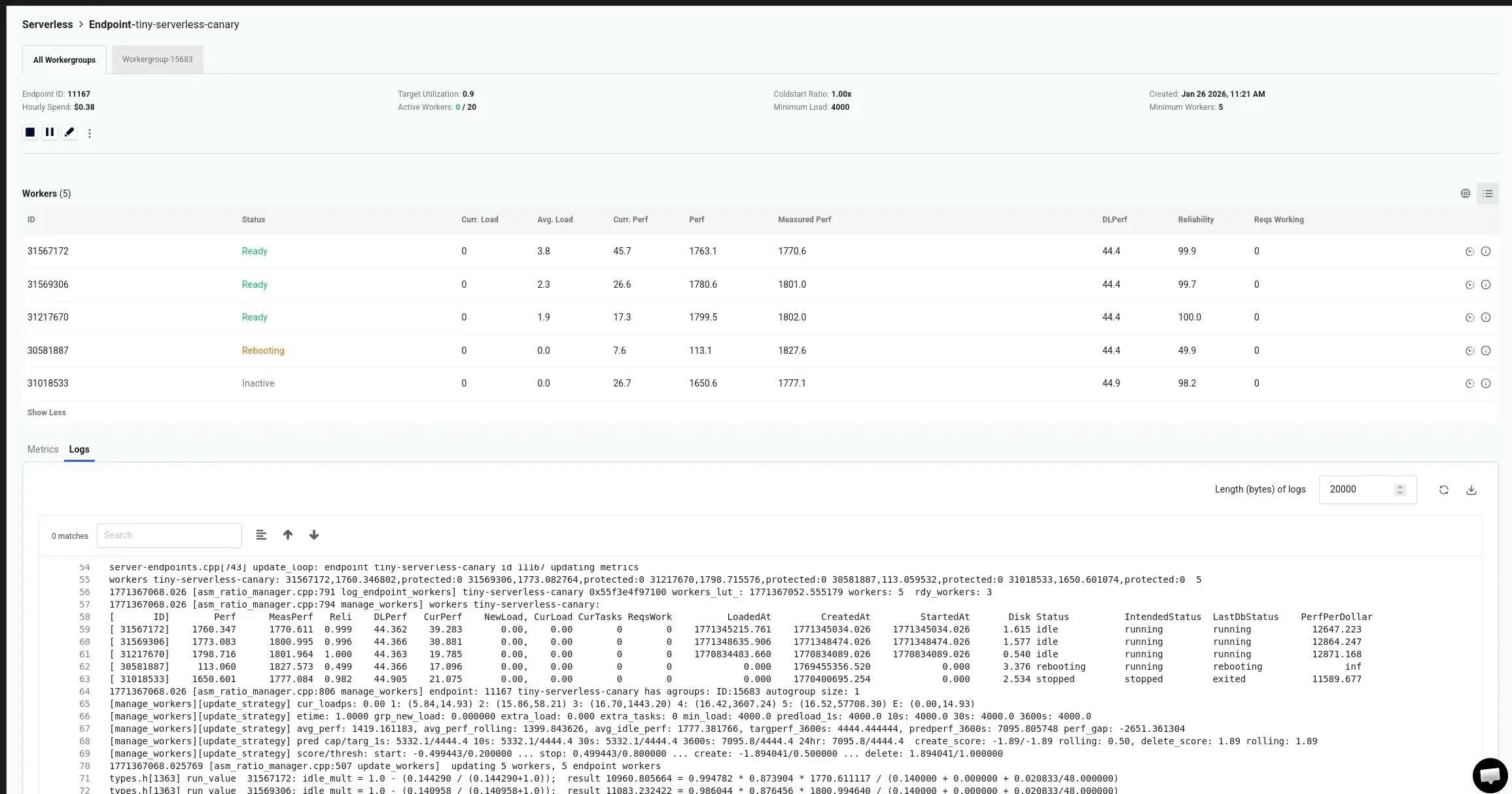
- Summarized performance for all workers and workergroups
- Measured and estimated performance and worker load
- Marketplace offer details used in worker recruitment
Worker Logs
Worker logs are accessible on a per-worker basis. To view worker logs, navigate to the serverless endpoint in question and click on this icon next to the worker.
Log Characteristics and Retention
- Logs are streaming outputs, typically only a few seconds behind real-time.
- Logs are not permanently maintained and are intended for near real-time debugging of issues.
- Users who need longer retention should periodically download logs to store them externally.
Accessing Logs Through the CLI
In addition to accessing these logs through the UI, you can use the vastai CLI to check endpoint and worker group logs at different log levels (level 0 is the highest detail, level 3 the lowest).Endpoint logs
CLI Command
Workergroup logs
CLI Command